Take Storytell with you, with our Chrome Extension
A powerful way to ingest non-public content into Storytell and talk to data across the open web
Written By DROdio
Last updated 3 months ago
What if there was an easy way to load web pages into Storytell that are behind login screens?
What if you could leverage the power of Storytell to make sense of web data, no matter which website you’re on?
Now you can, with the Storytell Chrome Extension. Here’s how it works:

Use the Chrome Extension to load web pages into any Storytell project. just choose your project and hit Ingest page

Once you’ve ingested your page, you can label it right from the Chrome Extension:
ℹ️ Learn more about the power of labels: Labels overview
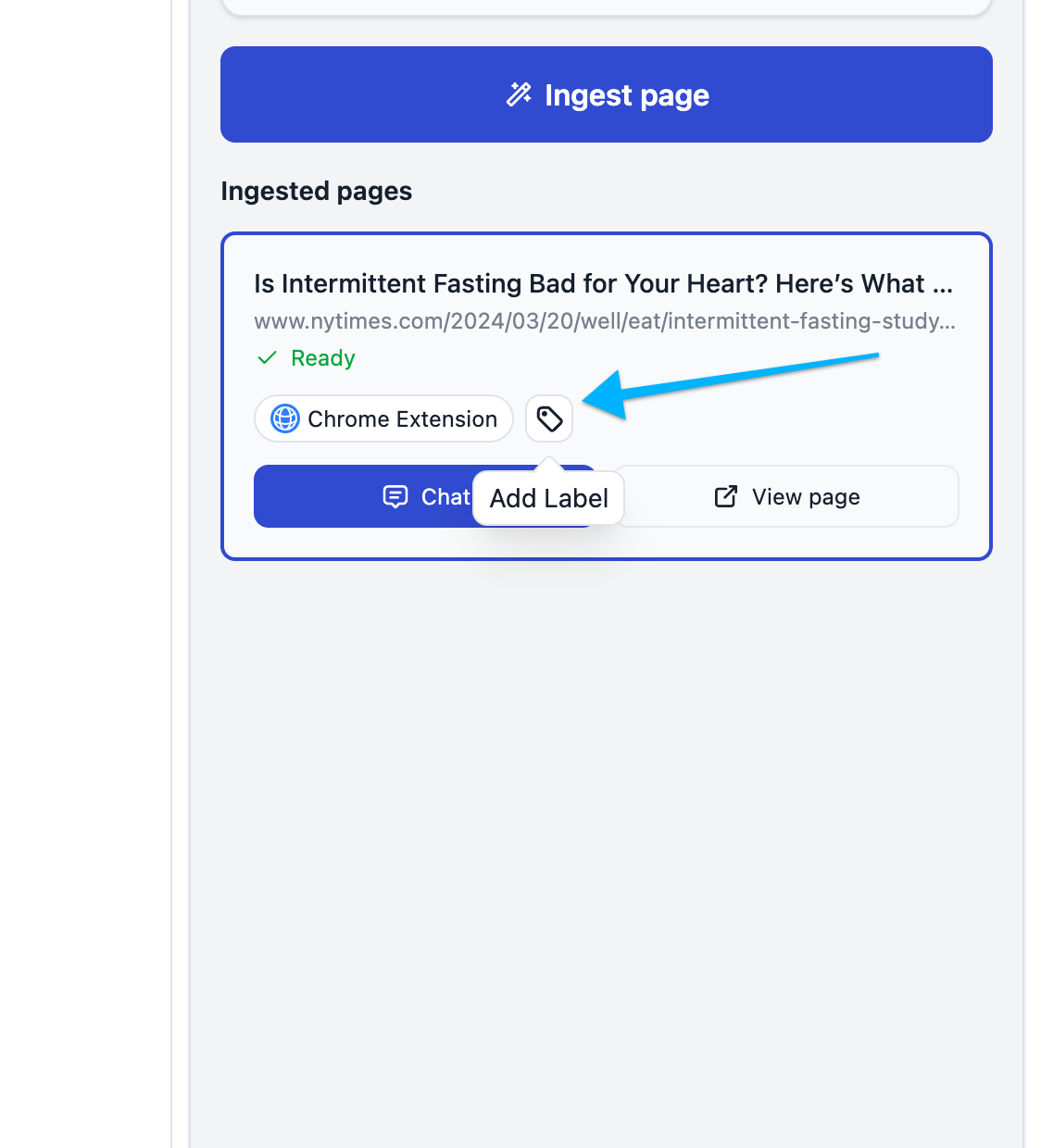
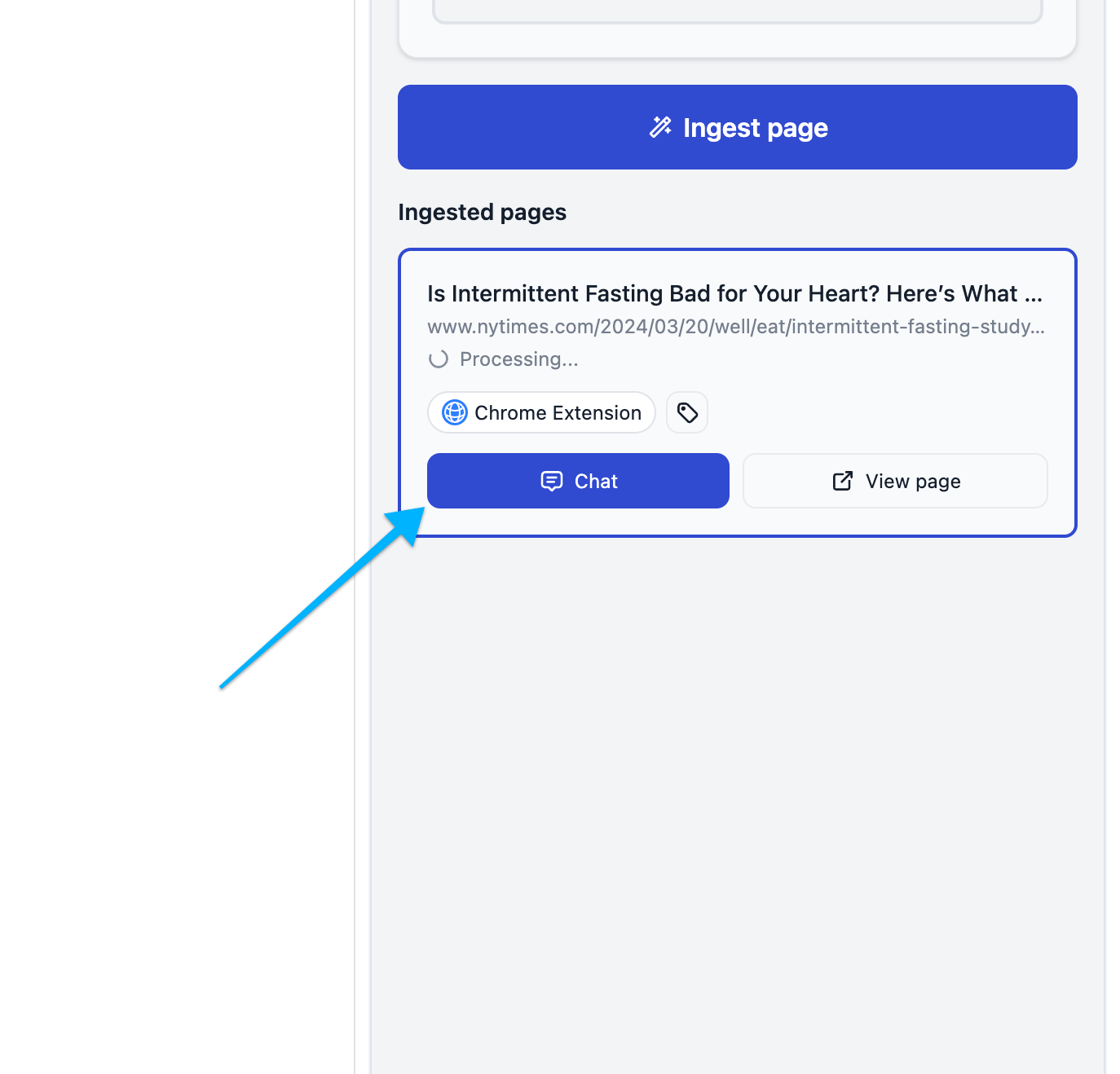
Then, just hit the Chat button.
The web page will be added to the scope of your prompt bar, and you can chat with the contents in your regular Storytell.ai interface:
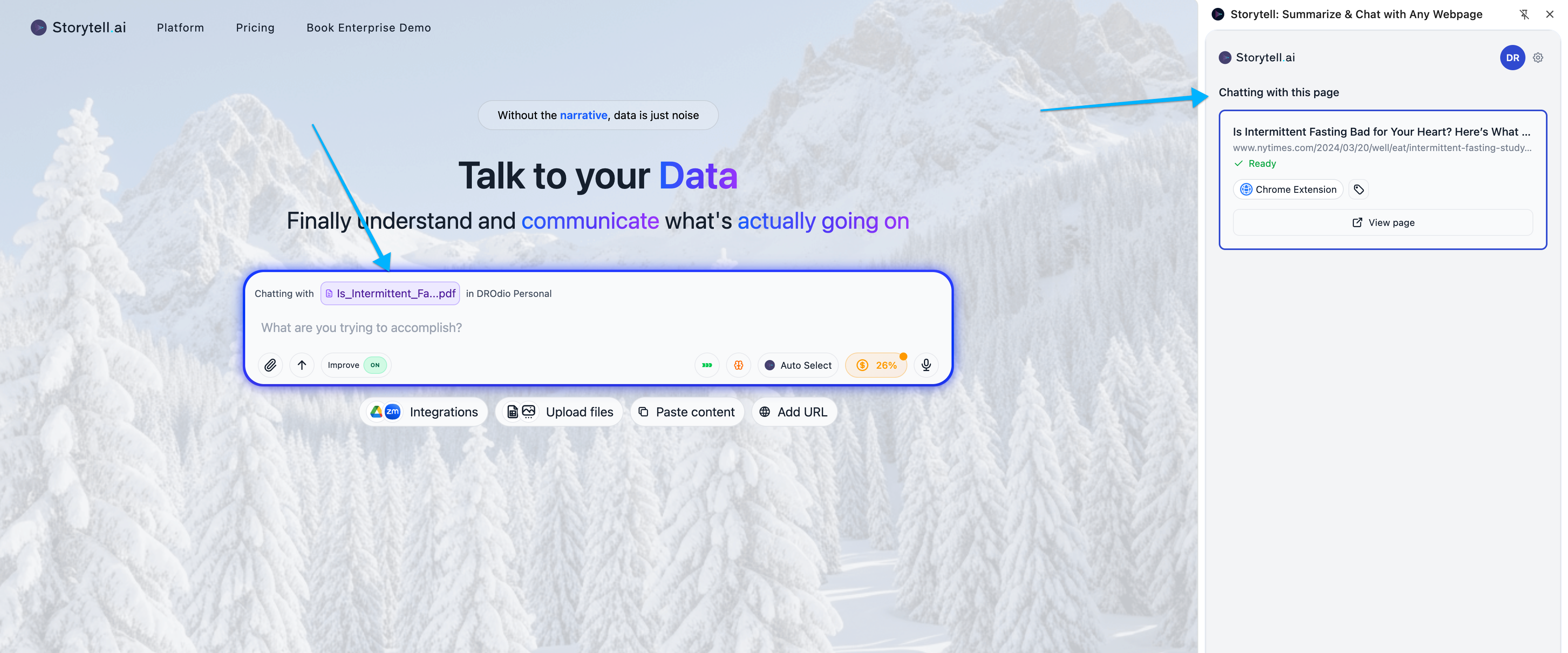
You can write comprehensive prompts
Write prompts that do more than just work with the article you ingested, like Using @mentions to pull in more of your content, or asking Storytell to pull in more relevant web data:
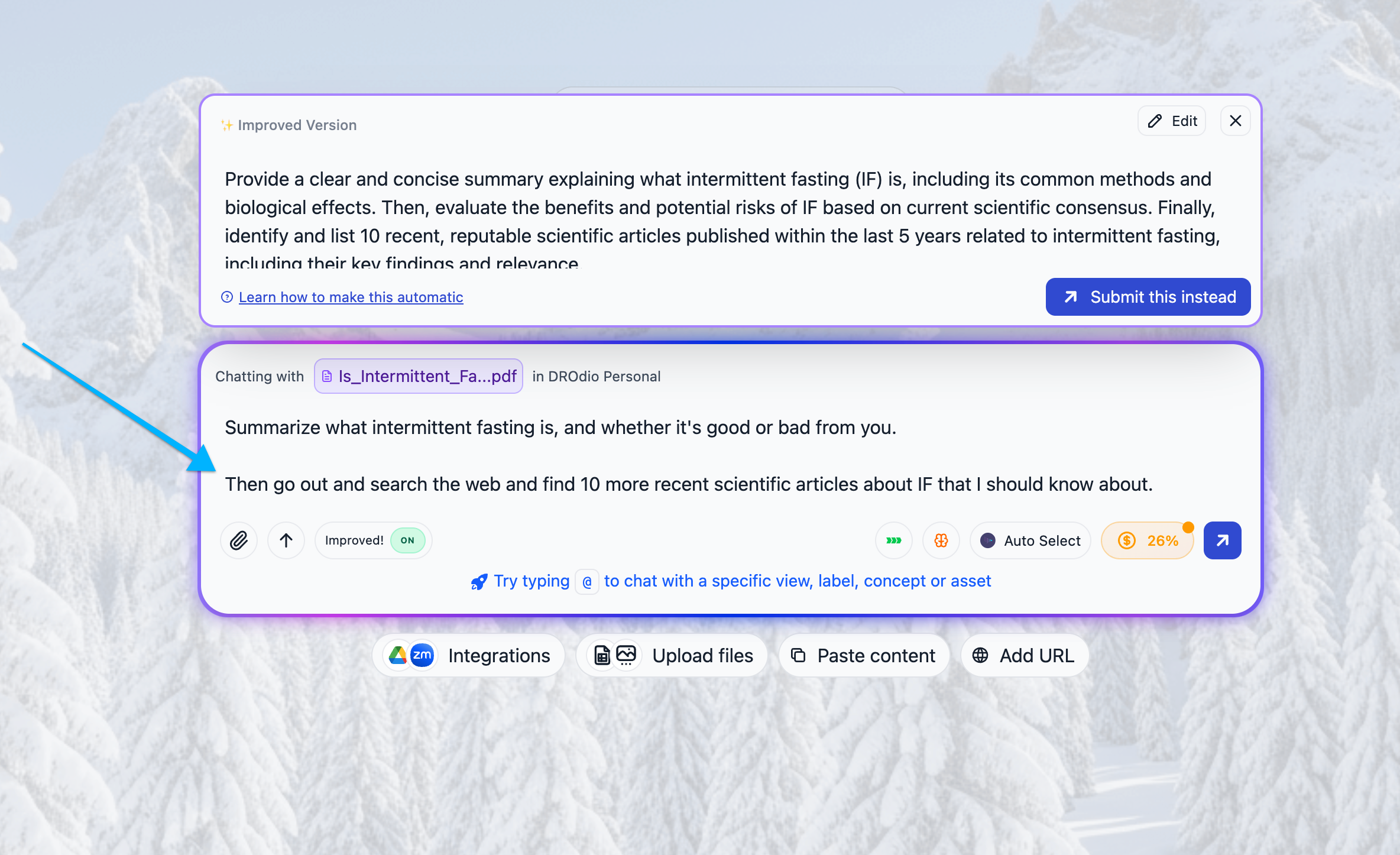
You’ll get results like this:
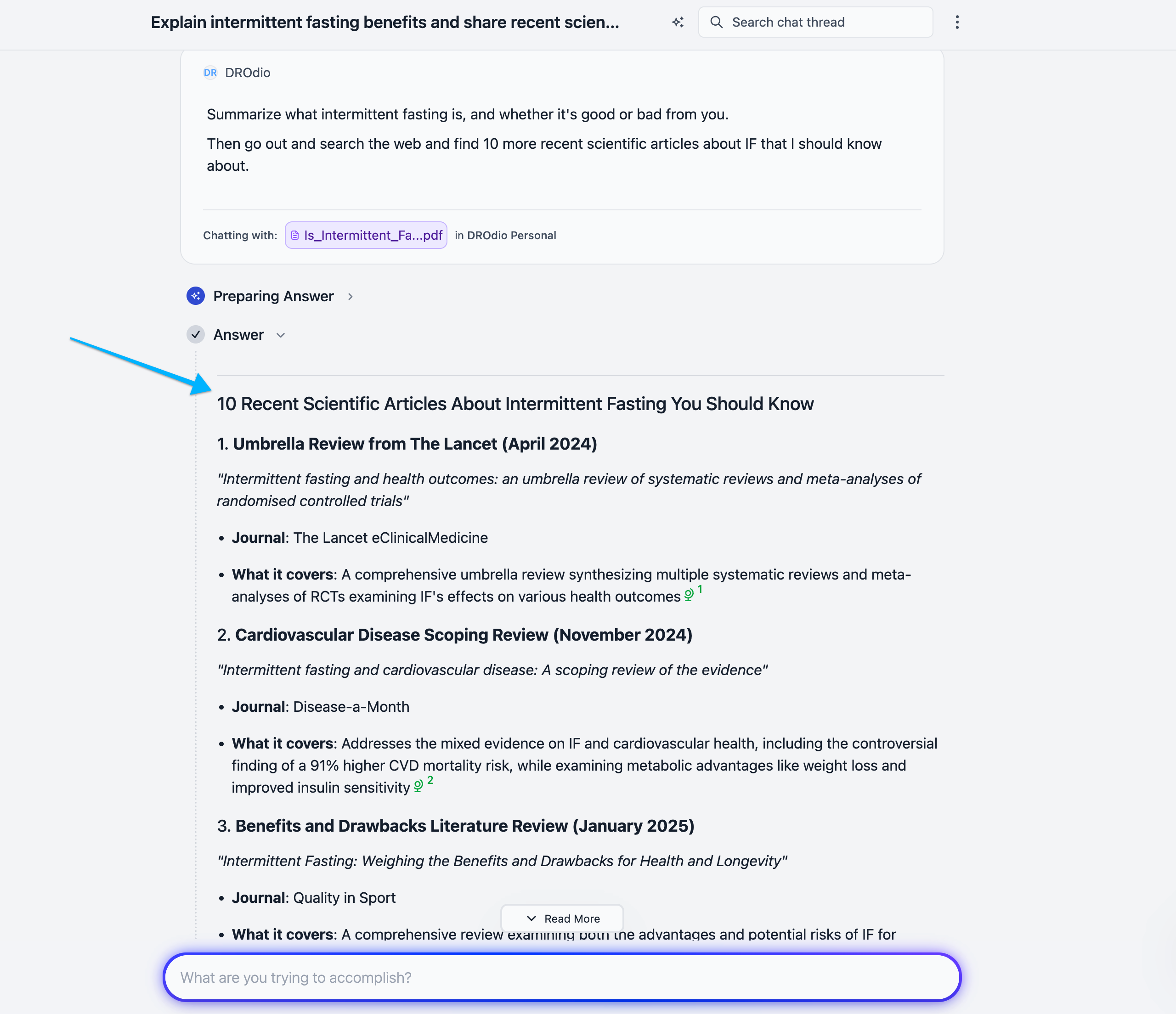
You can do powerful things to create data-driven storytelling narratives
Try using the Visualize this answer button to create visuals from Storytell’s text-based answers:
ℹ️ Learn more about creating rich visuals in Storytell: Image generation
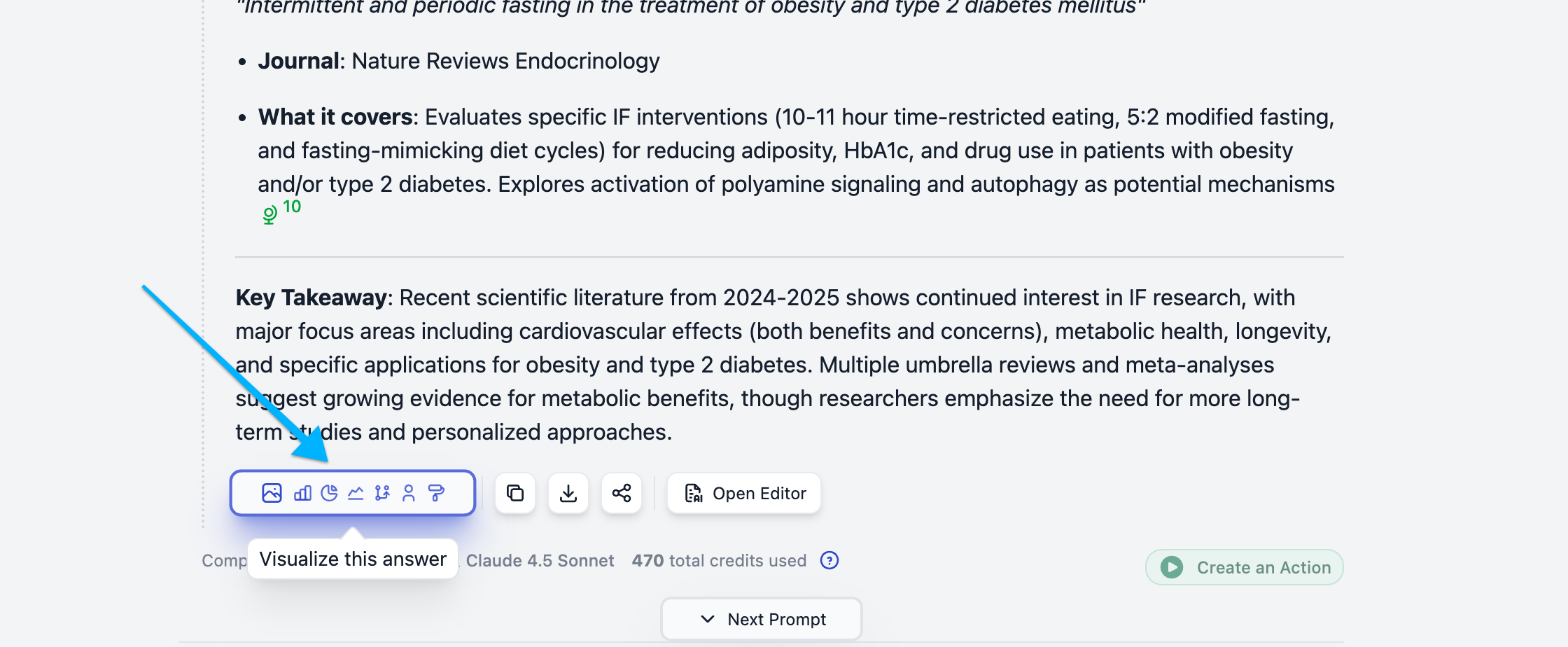
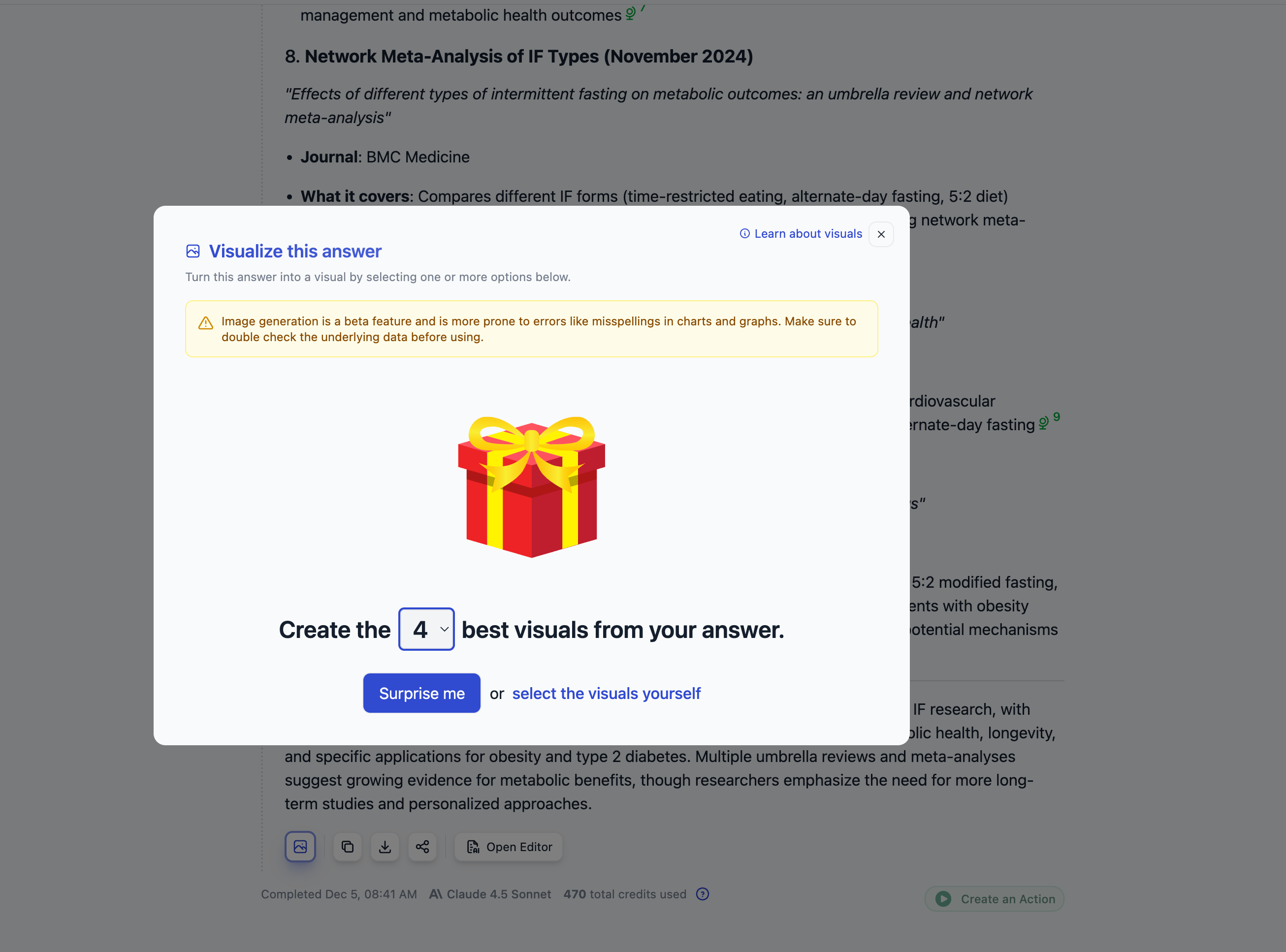
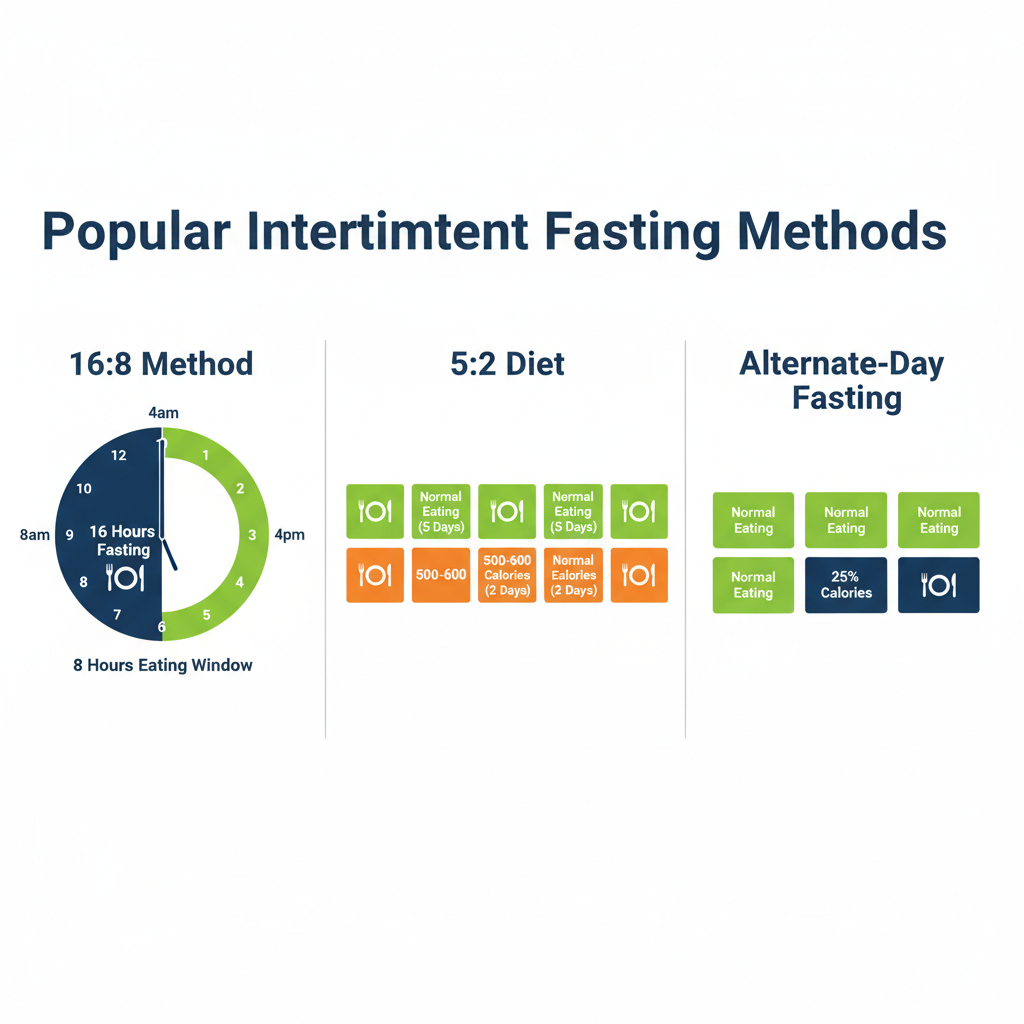
Here are some examples of the kinds of images Storytell can create from your content: